Your camera is off 99% of the time.
How? Random posture checks of a second or two every few minutes.

Meet Slumpy — a little dinosaur who tells you when you slouch.
Free forevermacOS 15+
Mac nearby?
Choose AirDrop → your Mac
Choose Send to your devices → your Mac
Mac somewhere else?
Open the email on your Mac
Select the link below and copy it.
slumpy.app/dl/mac?src=direct&via=copy

Using Windows instead?
macOS 15+ · Apple silicon
How? Random posture checks of a second or two every few minutes.
No photos or videos are saved or uploaded.

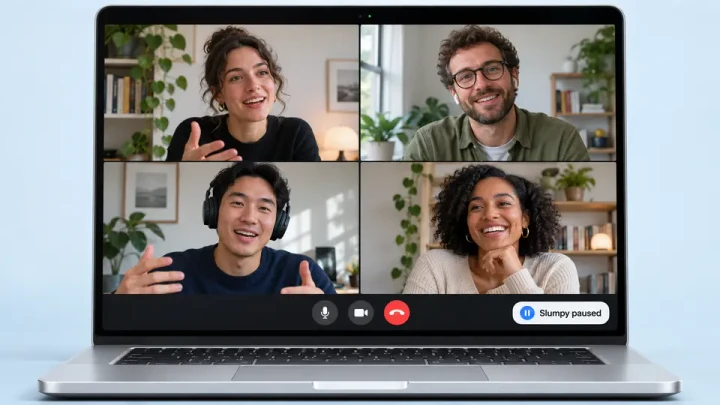
Sit up and the effect clears.
Save setups for your external monitor, bed, or sofa.
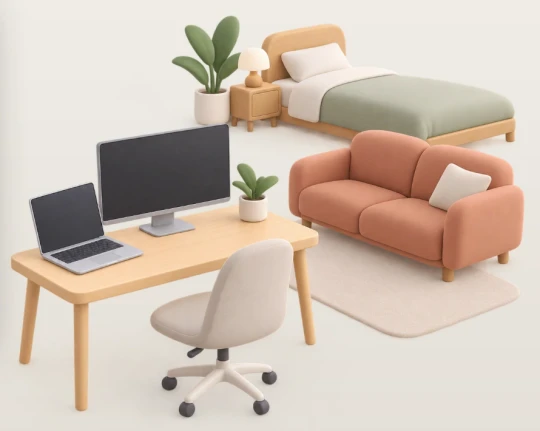
Calibrate once. Slumpy remembers.
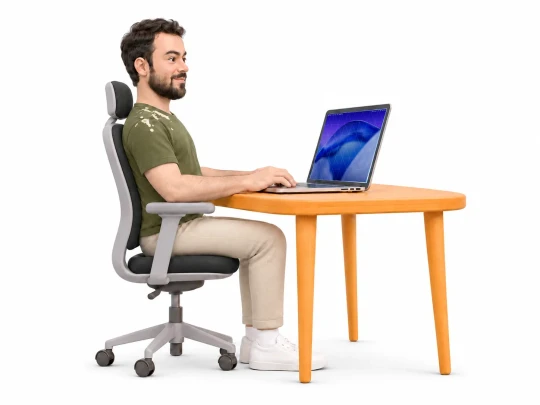
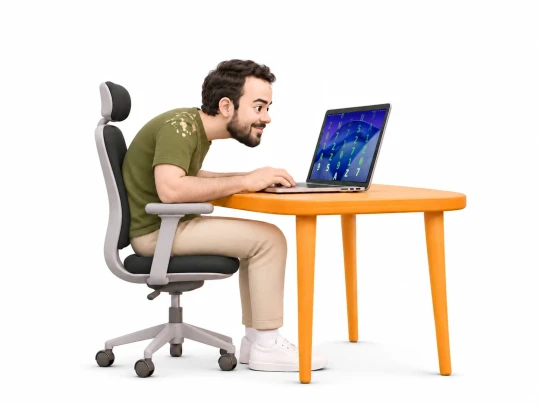
No camera footage is recorded or uploaded.
No account needed.
No signup. No email.No recording.
No uploads.
Works offline.
No photos or videos need to leave your Mac.Your first 14 days have no limit. After that, 3 hours of posture checks a day, free, for as long as you like. No credit card, no account.
Enough for a normal desk day.
$0
Pro removes the daily limit.
$4.99 a month · $29.99 a yearor $79.99 once
Prices in USD, may vary by country. Pro is bought in the app through the Mac App Store. More on the free plan
Yes. The first 14 days have no limit; after that you get 3 hours of posture checks a day, free, forever. No credit card and no account. Pro removes the limit for $4.99 a month, $29.99 a year, or $79.99 once. More on the free plan.
No. Each camera frame is processed on your Mac and reduced to a small set of posture measurements, which are kept only in memory. No image or video is ever saved to disk or sent anywhere.
No. On Random posture checks, Slumpy looks for a second or two every few minutes and the camera is off in between — about 99% of the time. The camera light is on whenever the camera is in use. You can change the check mode in the menu bar.
Slumpy is designed to stay out of the way. With Random posture checks, the camera is on for only a second or two every few minutes. It also pauses by itself during full-screen video, video calls, presentations and screen sharing.
A Mac with Apple silicon, running macOS 15 Sequoia or later, with a built-in or external camera. No AirPods needed.
Yes. Slumpy can save a setup for each place you sit: desk, sofa, bed and external monitor. When you connect a monitor, it switches to your External Monitor setup by itself. You can switch setups from the menu bar. It works with the built-in camera or an external webcam.
Slumpy is free (3 hours of posture checks a day). Pro, which removes the limit, is $4.99 a month, $29.99 a year, or $79.99 once, bought in the app on the Mac App Store. There is no account to make.
In System Settings → Apple Account → Subscriptions. That is where you change plan or cancel; Apple handles the subscription. A one-time Pro purchase has nothing to manage; it is tied to your Apple Account.
A Windows version is not available yet. Join the Windows waitlist above and we will email you when it is ready.
Still curious? Get in touch